Group rides
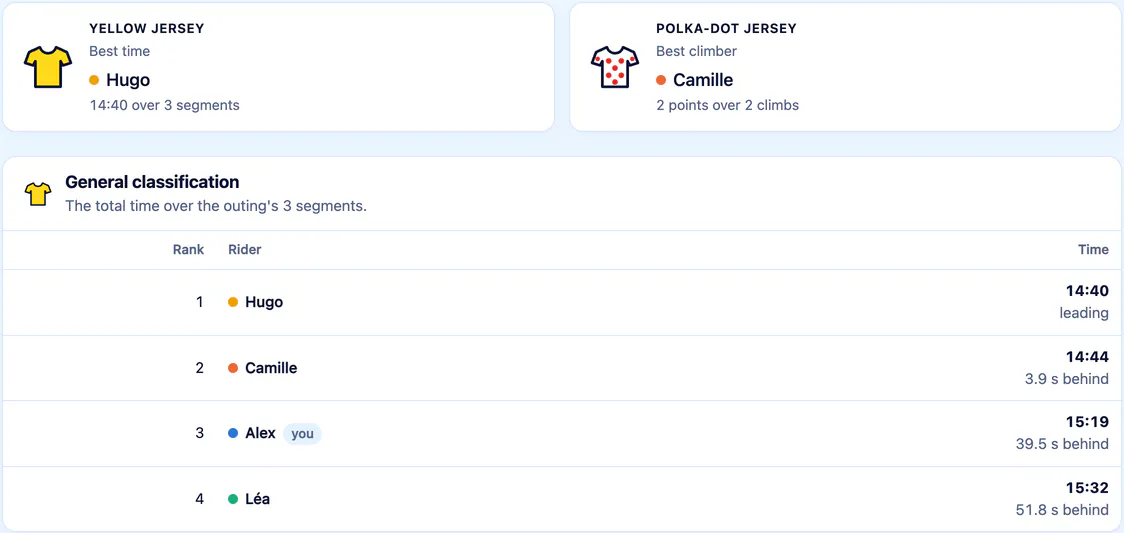
You rode together, each with your own device? Nobody has anything to declare: Sillage recognises the ride from the efforts and ranks it on the segments ridden together.

Cycling, running, smart trainer
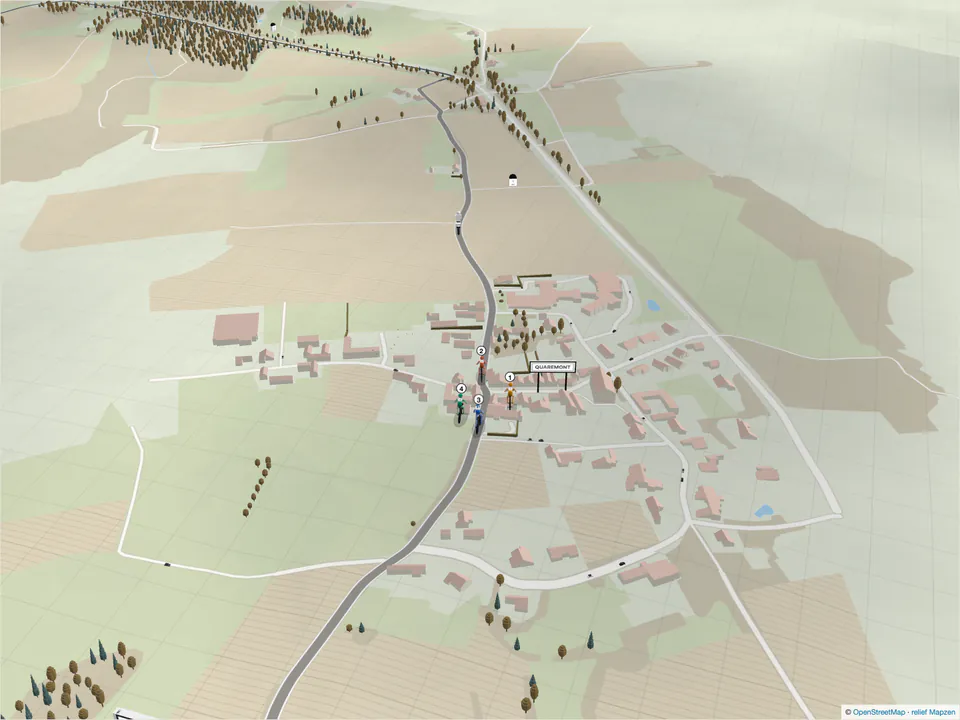
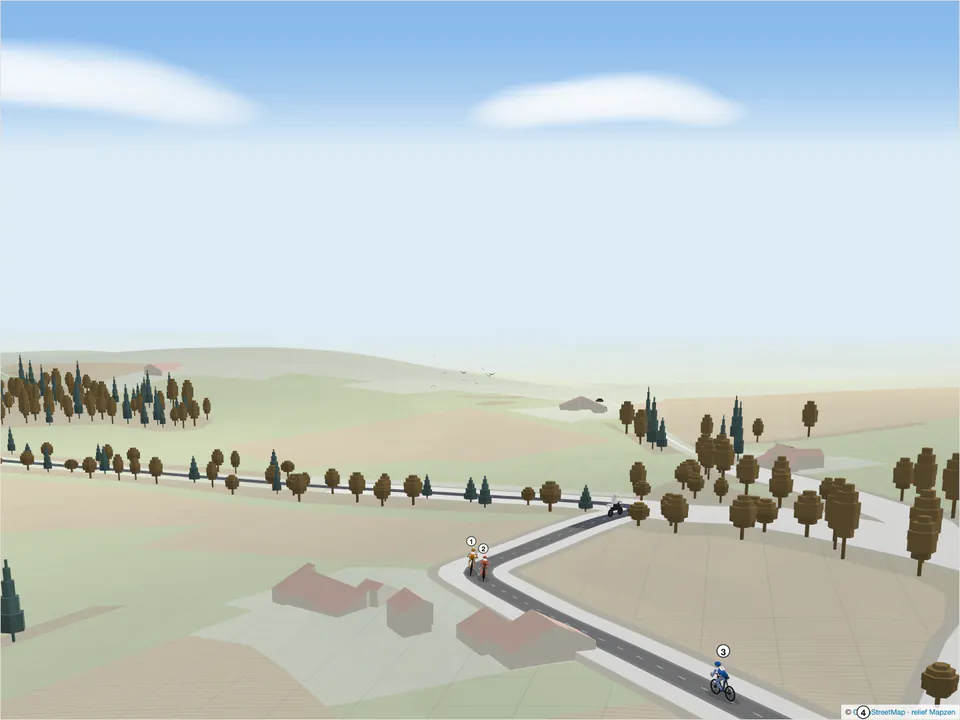
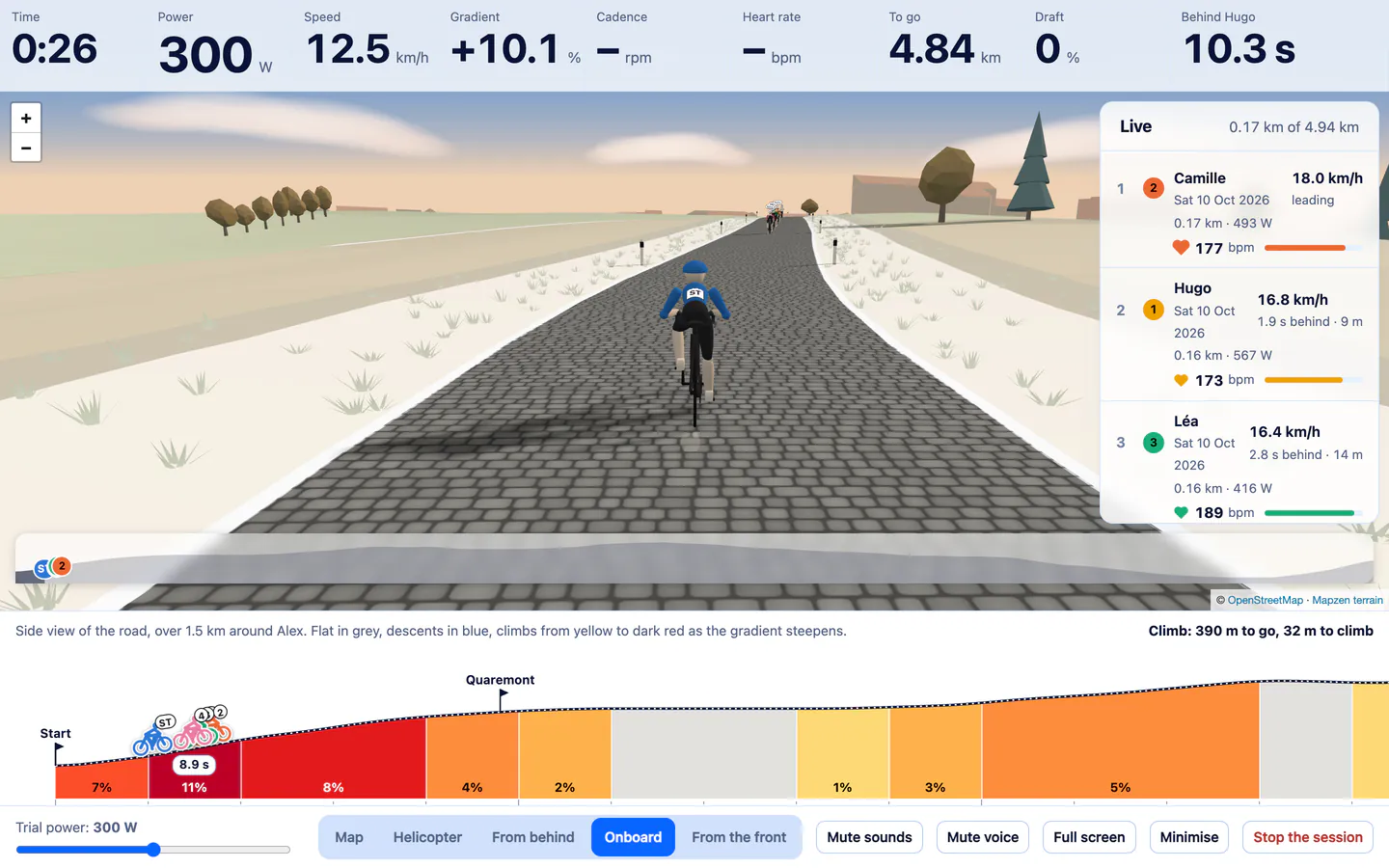
Sillage finds your efforts and your friends’ efforts on the same stretch of road, then replays them side by side, on the map or in 3D. At home, on your smart trainer, you ride the climb against them, or one of the great cols, from the foot to the summit.
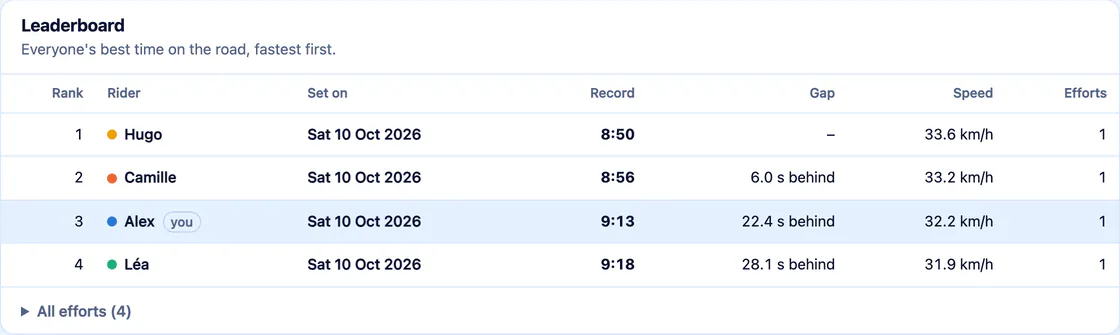
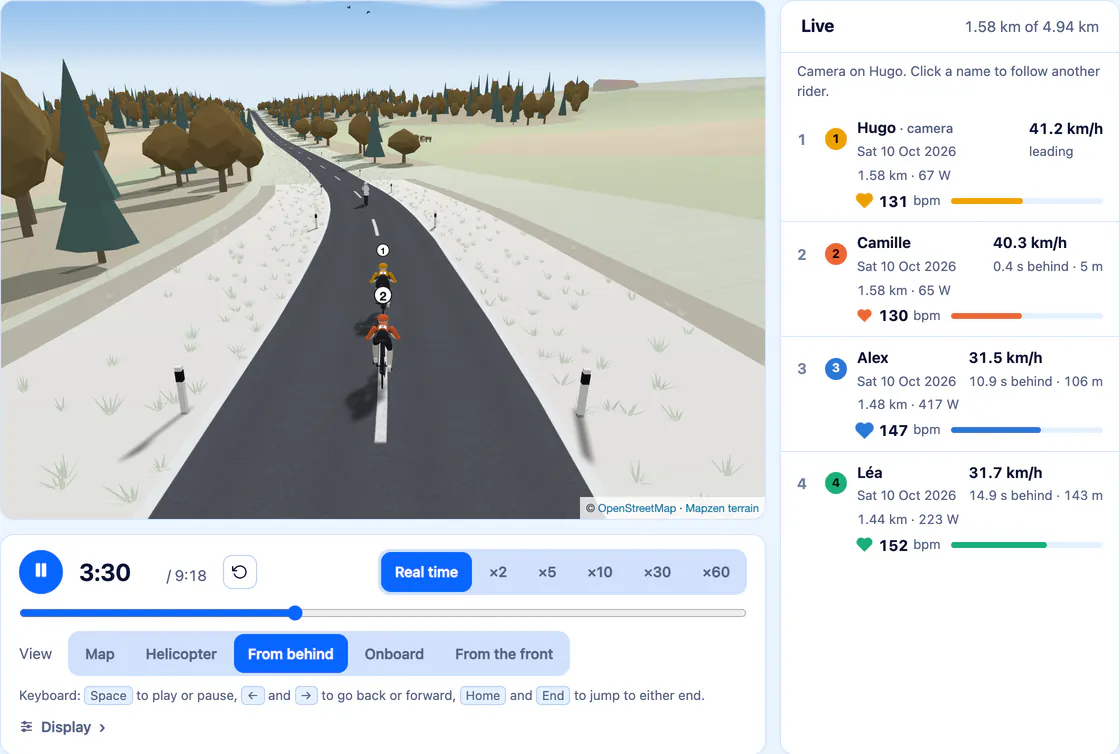
Hugo beats Camille by 6.0 s on the Quaremont – Paterberg: four efforts from the same Saturday, replayed together.
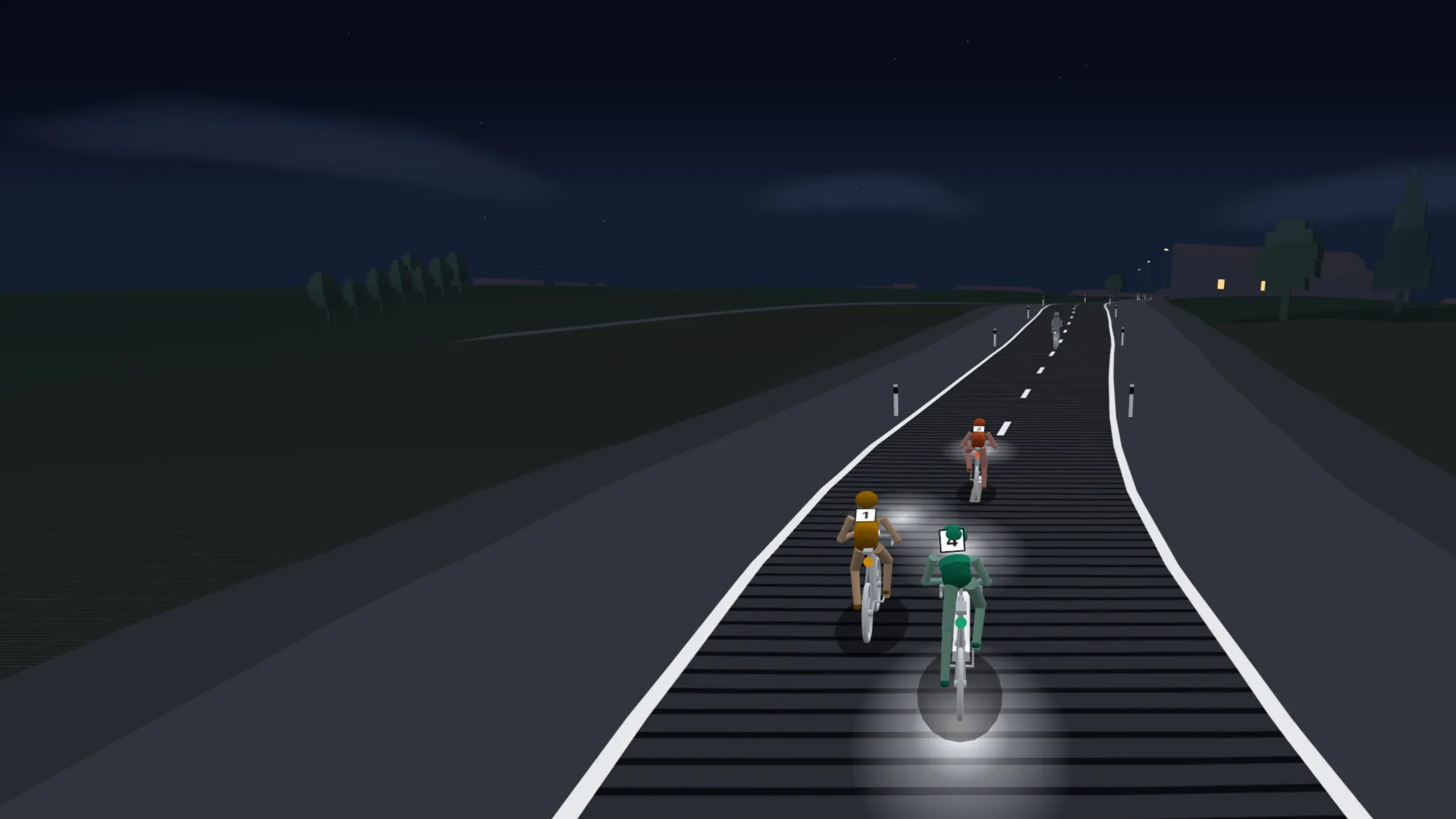
The onboard view of Sillage, at night. Scenery © OpenStreetMap contributors.
How it works
Your rides were done on different days, in different weather. Sillage starts them together, to the second, on the stretch you choose.
FIT, GPX or TCX files from your watch, Garmin Connect, Strava, Zwift or MyWhoosh. A whole archive of your history goes in at once. Connect intervals.icu, and new rides arrive on their own. In the app, your watch’s workouts can also come in from Apple Health or Health Connect.
A climb, a straight, a loop: draw it on one of your rides, or take one of those Sillage suggests, spotted on the roads you ride often.
Segments timed by your device are taken as they are.
Sillage finds every effort on that stretch, yours and your group’s, and starts them all at once. In real time, or up to sixty times faster.
The same rider can also race themselves, from one year to the next.
Replay
Who comes back on the climb, who cracks at the top, who launches the sprint too early: at last the race reads the way you lived it, rider by rider.

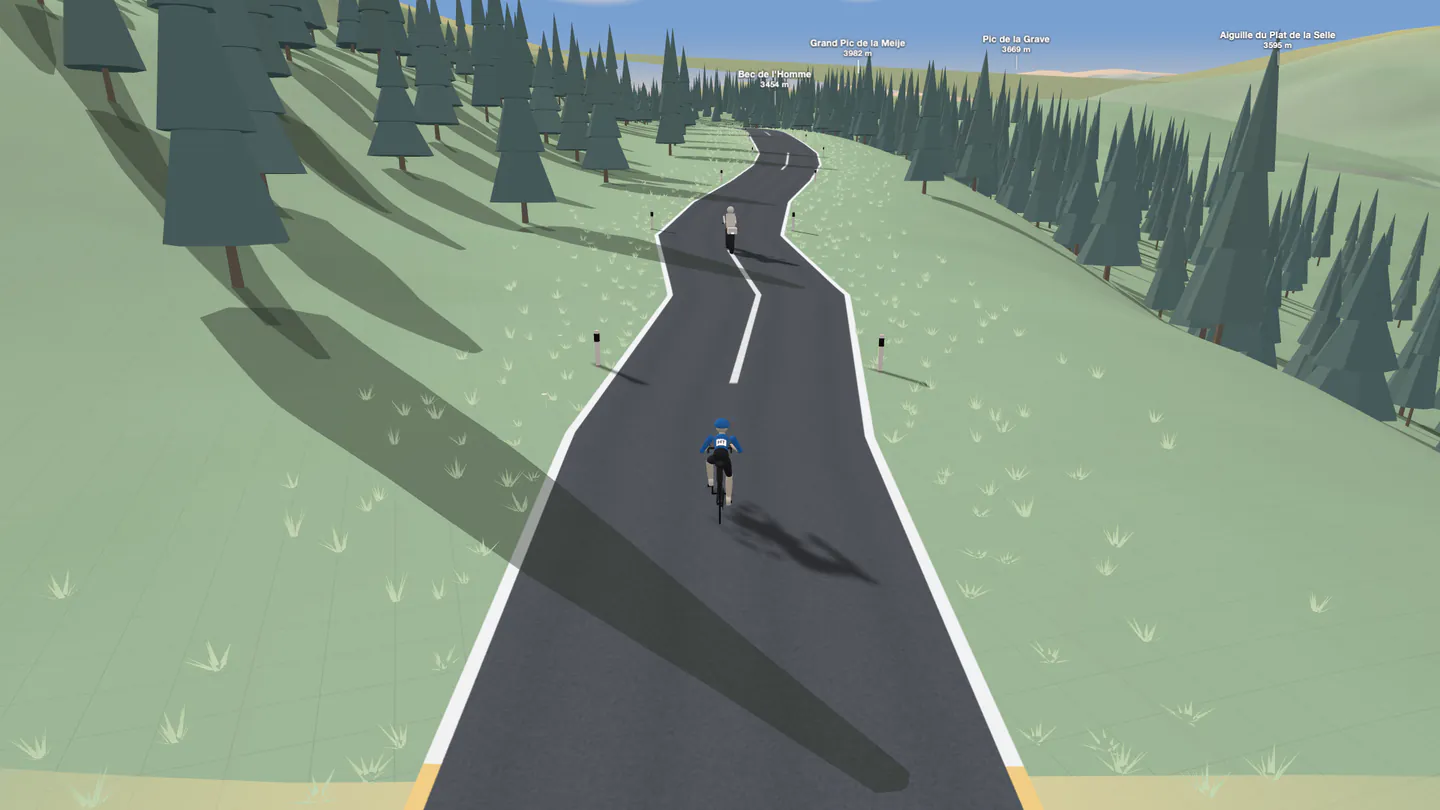
Terrain, villages and their roofs, woods, orchards, fields, vineyards, rivers, bridges and tunnels: each segment’s scenery is drawn from OpenStreetMap.
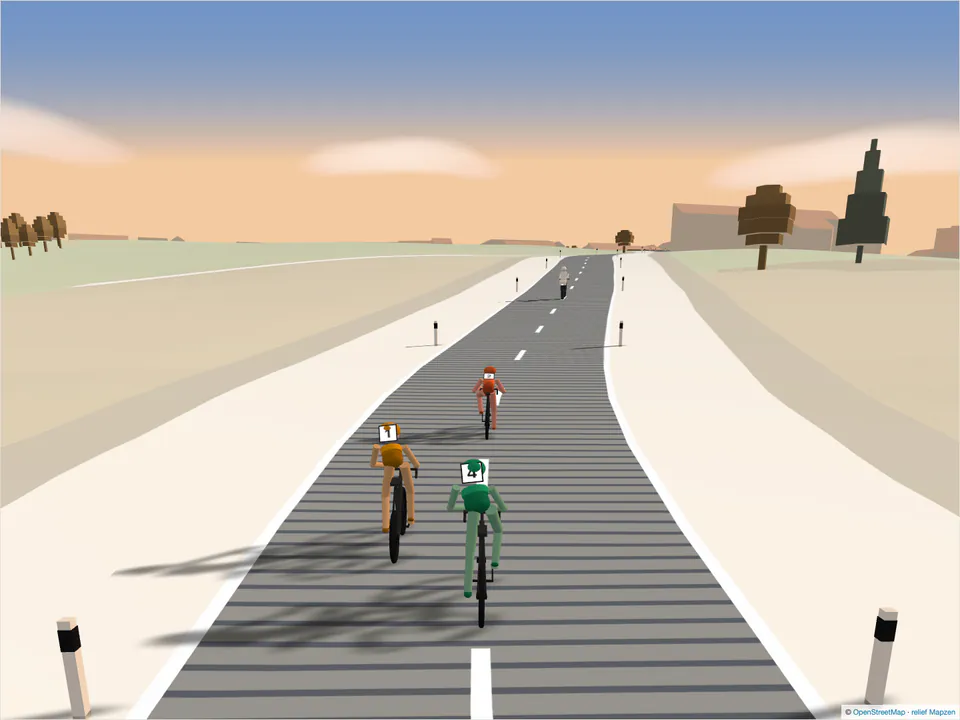
The sun is where it was, golden hour has its long shadows, and night its stars, its streetlights and its lit windows.
Cyclists pedal at their measured cadence and stand on the pedals on climbs; runners run at their own stride.
An arch at the start, the crowd in the final metres, the kilometre markers, the named cols, and the motorbike opening the road.
Smart trainer
Connect your smart trainer over Bluetooth and ride the segment live, against your friends’ efforts. You feel the gradient in your legs, the draft on their wheel.

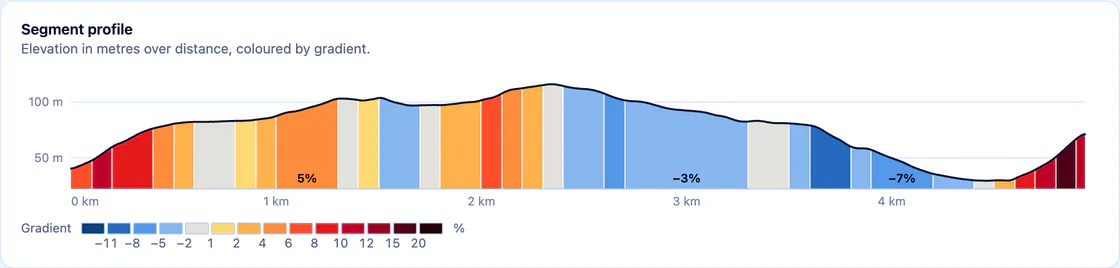
The trainer receives the segment’s gradient, the air resistance and the rolling resistance of the road surface. You feel it in full, or softened by half: the time is always calculated on the real gradient.
Behind a replayed effort, the air pushes back less: up to 30% wheel to wheel. A counter shows it, a voice announces it, your legs feel it.
Nobody on this segment? A pacer rides with you, at the power or the time you are aiming for. With three or five, they take turns on the front.
A headwind, tailwind or crosswind, as you choose. Cobbles, gravel and dirt come from the road itself, and you feel them.
A hundred workouts in which your trainer holds the power for you (ERG mode), and an FTP test. Quick start picks one to suit your time and how you feel today; the intensity adjusts as you ride, from 50 to 150%. Your Zwift or TrainerRoad files and your intervals.icu calendar too.
No clock, no opponent, no finish line: you ride for as long as you like, in the scenery of one of your segments.
A 250 m velodrome. Alone against the clock, from the flying 200 m to the hour record; in a bunch, from the scratch race to the keirin, and the omnium, against computer riders or your group.
Cyclo Kart, Cyclo Table, The Chase, The Breakaway, The Broom Wagon, Rhythm and Tug of War: to ride differently. The Chase and Tug of War can also be played live, within a group.
Ride a long route: every segment you cross leaves you a time, and your friends’ best effort appears at its start line.
A voice announces the climb ahead, the gap at each marker, the summit and the village you ride through; the air whistles with your speed.
The camera swings in front of you, arms raised on the line. The photo shows your time and how the race went, ready to share.
A running segment can be run on a connected treadmill, or with a foot pod: the incline follows the gradient, the pace shows in minutes per kilometre.
On a smart trainer, speed is calculated from power, gradient and weight. The server redoes that calculation for every session, with the draft, the wind and the road surface: the time kept is the server’s, not the one the browser announces.
These times are ranked among themselves, marked “smart trainer”, never with times from the road. The same goes for a session ridden in Zwift or MyWhoosh. Road records stay road records. A structured workout, a free ride and a game leave no effort at all.
Great cols
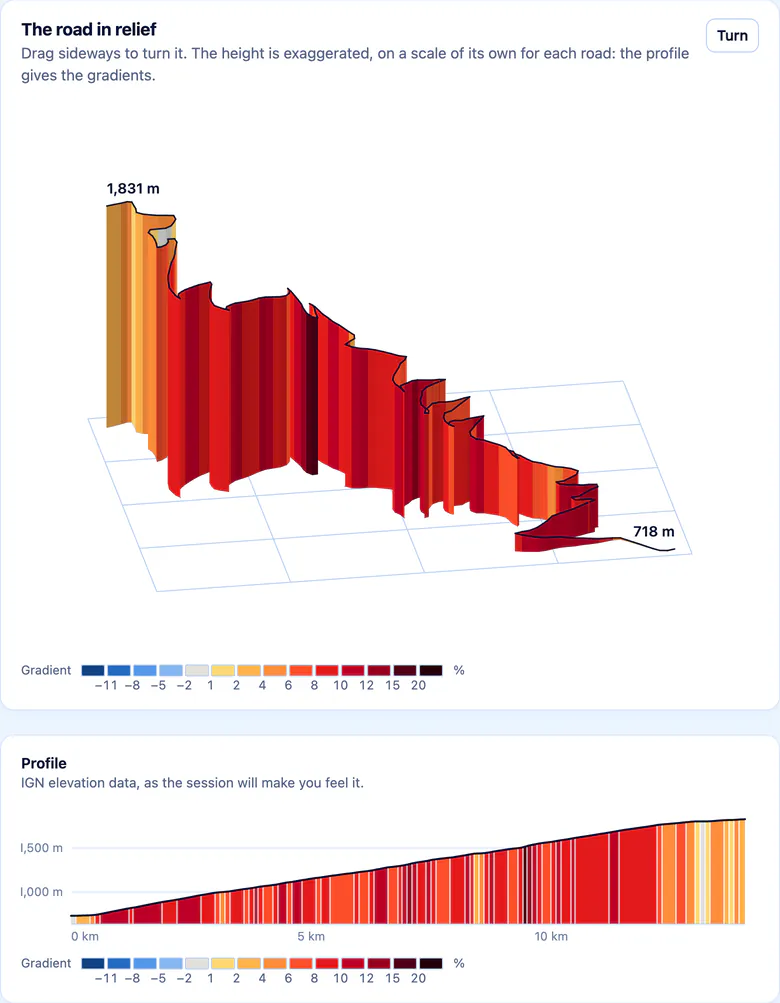
The great cols of the Alps and the Pyrenees, the cobbled hills of the Flemish Ardennes, the climbs of the Ardennes, Tuscany, Liguria and the Lombard Prealps: climbs ready to go, which you ride on your smart trainer without drawing a segment. 71 in six French massifs, 26 in Belgium, 32 in Italy.

Live
A group member suggests a segment and a time. At that time, everyone starts together: each rides on their own trainer and sees the others alongside, in their real position.
“Léa is cheering you on!”
Groups
Invite your training partners into a group, with a link. On the group’s segments, everyone’s efforts are compared. Nothing passes from one group to another.
You rode together, each with your own device? Nobody has anything to declare: Sillage recognises the ride from the efforts and ranks it on the segments ridden together.

Every Monday, one of the group’s segments. Until Sunday night, everyone tries for their best time.
Example: the Paterberg, three days left to get ahead of Léa.
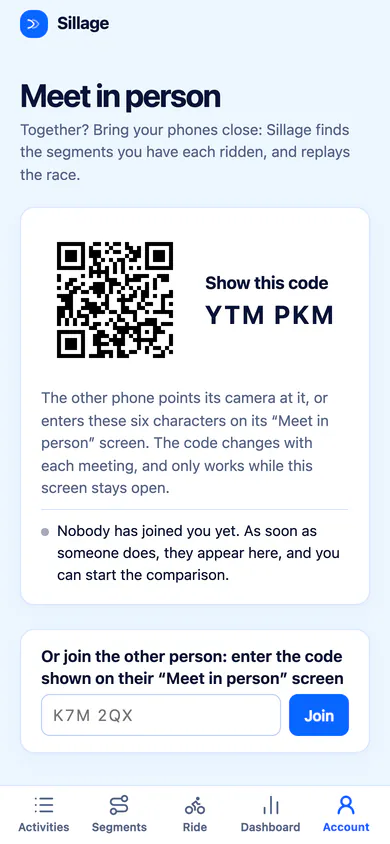
At the café, after the ride: one shows their code, the others scan or type it. When they start it, you are all in the same group, and Sillage already shows the segments you have each ridden.

Climbs by category, cols crossed, jerseys worn, records broken, weeks in a row. A group only sees the ones earned with it.
The rides of your groups’ members, most recent first: their summary, their efforts and their map, without the start or the end of the track. A “Yay!” salutes a good ride, and its rider hears about it.
Never anyone’s heart rate, power or weight. Everyone can turn the feed off for their whole account, or for a single ride.
On a group segment, challenge another member for 3, 7 or 14 days: the best time during the duel wins, on the road or, separately, on the smart trainer. Then the rematch.
Progress
Every segment has its ranking: everyone’s best time, your gap to the record, your efforts over the years. The dashboard gathers your weeks, your records over distances and in power, and a training plan towards the goal you set yourself.


Your data
Comparing is not showing everything. Your rides are only shown to the members of your groups, and you know exactly what they see of them.
Their members see, for each one: its name, date, sport, distance, duration, speed, elevation gain and efforts (on your personal segments too: their name and your time), and its map, without its first and last 100 metres. Never your heart rate, your power or your weight. You can turn the feed off for your whole account, from your profile, or for one ride, from its page.
On a group’s segments, its members see your efforts: the time, the date, and what your sensors recorded, heart rate included. A race you share with a link shows them too. During a live meetup, your heart rate is never sent.
It is only used to calculate your sessions and the time a cycling goal predicts, and only you can see it.
A new account sees nobody’s segments. You join a group by invitation, or by meeting up in person.
Other accounts’ roads never go into what Sillage suggests to you.
Your activities only arrive through official channels that you open yourself, such as the files you export, intervals.icu, with a key that stays encrypted, or, in the app, Apple Health and Health Connect.
Deleting an activity removes its efforts. Deleting your account takes your activities and efforts with it; the page first tells you, with numbers, what will go.
Getting started
Rides you have already recorded, and a browser or the app. The smart trainer is a bonus, if you have one.
Compatible hardware, device by device. None of this is needed to compare and replay.
Questions
Yes, for their efforts to count: everyone imports their own rides, and nobody imports someone else’s. An invitation link brings them into your group, account included.
To show a race to someone without an account, a share link is enough: it opens it in 3D, and nothing else.
No. Comparing, replaying, group rides, the weekly challenge, the dashboard: none of it needs one. It is for riding at home: a segment against the others, a great col, the track, the games, structured workouts.
Those controlled over Bluetooth with the standard FTMS protocol, which most recent connected models support, and Wahoo KICKR trainers through their own protocol; a power meter alone is enough to ride. You need Chrome or Edge, on a computer or on Android, or the Sillage app. The details, device by device
Yes, on Android: Sillage on Google Play, in France, Belgium, Switzerland, Luxembourg and Canada. On iPhone and iPad, the app is in public beta: join it through TestFlight. It is not on the App Store yet.
The apps handle the smart trainer’s Bluetooth themselves, and read your watch’s workouts in Apple Health or Health Connect, if you allow them to.
They have their own ranking. A smart trainer time is calculated from power, gradient and weight: it never mixes with times from the road, nor with records, nor with the badges that depend on them. That goes for Zwift and MyWhoosh as much as for sessions ridden in Sillage.
It has its segments, its comparisons, its 3D runners at their own stride, its group runs, and the treadmill session, ranked separately. The great cols, the track and the games are for cycling; on the treadmill, there is no pacer, no wind, no structured workout and no live meetup.
No, and it does not access it in any other way. Export your files, one ride or a whole archive, from Strava as from Garmin Connect: the guides tell you where to find them. To have new rides arrive on their own, connect intervals.icu, which itself connects to Garmin, Wahoo, Coros, Suunto and others; in the app, your watch’s workouts can also be read from Apple Health or Health Connect.
The members of your groups. In their feed, each of your rides: its name, date, sport, distance, duration, speed, elevation gain and efforts (on your personal segments too: their name and your time), and its map, without its first and last 100 metres. Never your heart rate, your power or your weight. You can turn the feed off for your whole account, or for a single ride.
On the group’s segments, they also see your efforts: their time, their date, and what your sensors recorded, such as heart rate. Outside your groups, nobody, except through a race someone shares with a link.
The Sillage app is in English and French, and so are its guides. This page is also available in French, Italian and Spanish.
Sillage Pro brings together the road book, the whole team’s race replayed in 3D, the simulator and the work of every staff member. Discover Sillage Pro
Import a few rides, invite the people you ride with, and see who gets ahead.
Already have an account? Sign in